Filmed in 4K?
Download your clips in 4K.
Clips made from a video filmed in 4K get a 4K button beside Download. Press it and MasterClip makes a 4K copy of the clip as it is now, with your edits, captions and headline. On every paid plan.
- 1
Bring a 4K video
Paste a YouTube link or upload a file filmed in 4K.
- 2
Make your clips
Clips come back as usual. The 4K button shows on the clips that can be 4K.
- 3
Press 4K
You get a 4K copy of the clip as it is now, with your edits, captions and headline.
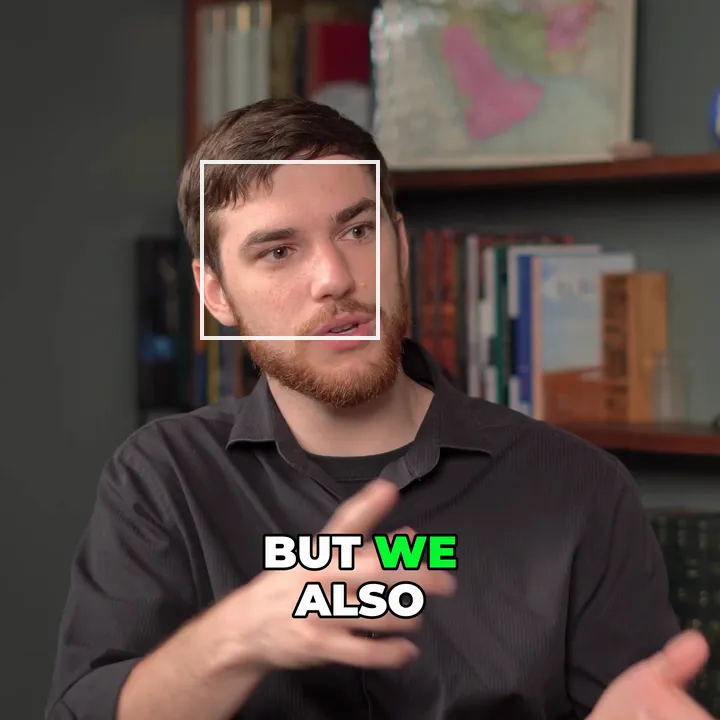
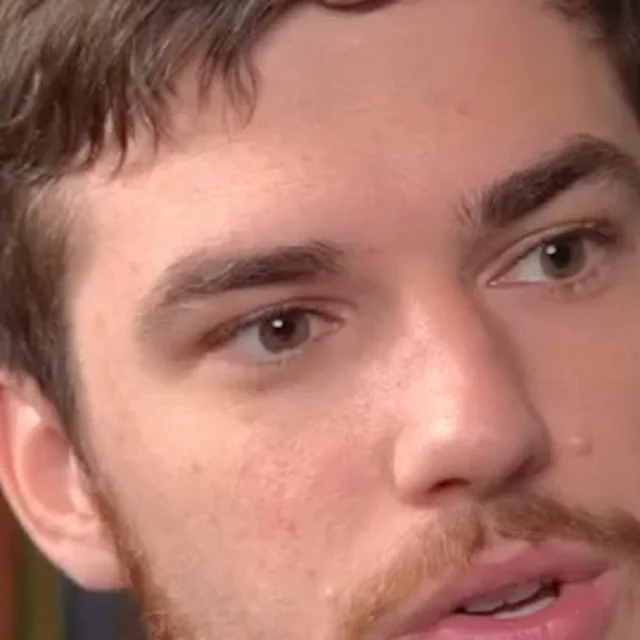 1080p
1080p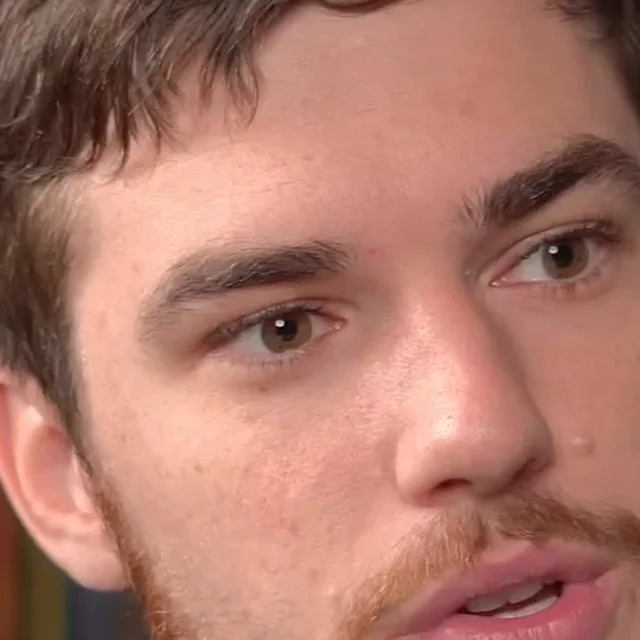 4K
4KFour times the pixels
A 4K clip has twice the width and height of a 1080p clip, so faces, hair and text stay sharp on a big screen.
Your edits come along
The 4K copy is the clip as it is now: trims, captions, headline, framing and brand.
Only when it is real
The button shows only when the video has the pixels for that clip's shape. No blown-up 1080p.
Your clips stay as they are
The 4K copy is a file of its own. Your clip and its editor are not changed.
Which clips can be 4K
It depends on how the video was filmed and the clip's shape. A wide 4K video gives 4K wide, square and portrait clips. A vertical clip cut out of a wide video is too narrow for 4K, so it needs a video filmed upright in 4K.
On every paid plan, links from YouTube are fetched in 4K when the video has it, for videos up to 2 hours long. Uploaded files are kept at the size you filmed them.
Questions
How do I get a 4K clip?
Press 4K beside Download on a clip. The 4K copy is made and downloads when it is ready. Pressing it again on an unchanged clip downloads the same file at once.
Why is there no 4K button on my clip?
The video was not filmed in 4K, or the clip's shape needs more pixels than the video has. A vertical clip from a wide video is the usual case.
Which plans have it?
Every paid plan: Starter, Pro and Business.
Does Viral Edit come in 4K?
No. Viral Edits are 1080p.
Is MasterClip free?
Yes. The Free plan gives you 30 minutes of video a month with no card. Free clips carry a small watermark and are deleted after 3 days, so download the ones you want. Paid plans start at $7 a month.
More of what it does
Clips shown were made by MasterClip from Anabaptist Perspectives Ep. 159 (CC BY 3.0) and Mike Herrera Podcast #361 (CC BY). The brand and its logo are made up for the example.
Clip it
like a master
30 free minutes a month. No card needed.