Paste a YouTube link.
Get Shorts back.
Your long YouTube videos already hold your best Shorts. Paste the link and MasterClip finds the strongest moments, crops them to vertical around whoever is talking, adds captions and hands you clips ready to upload.
How it works
- 1
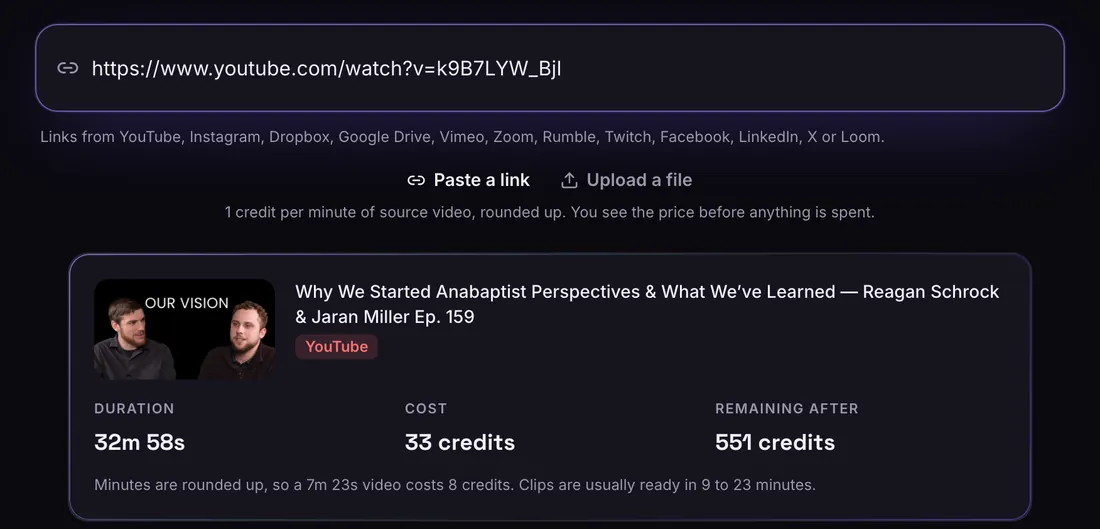
Paste a link or upload
A link from any of 12 sites, or a file. You see the length and the price before anything is spent.
- 2
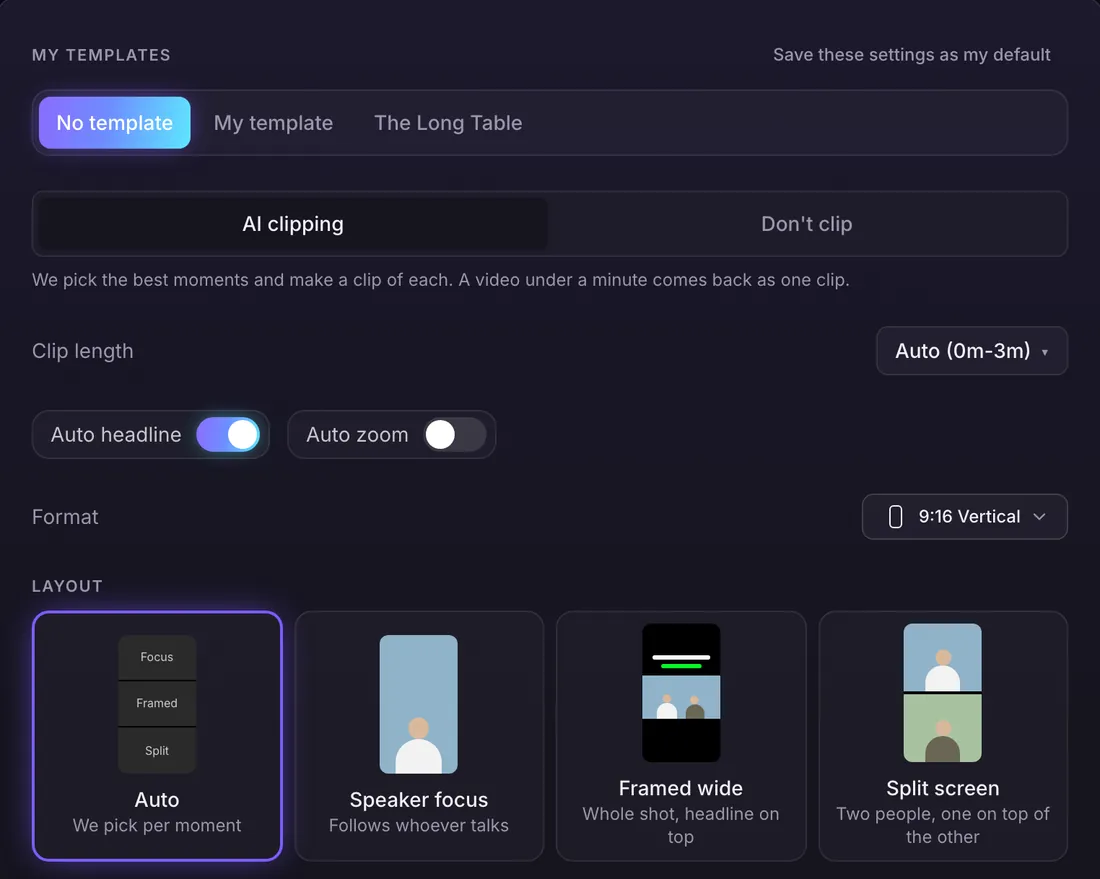
Choose how it looks
Clip length, shape, layout, captions and Auto headline. Or pick a brand template and it fills everything in.
- 3
Get ranked clips
Every clip comes back with captions, a title, a hook label and a score out of 100. Download, edit or Viral Edit it.
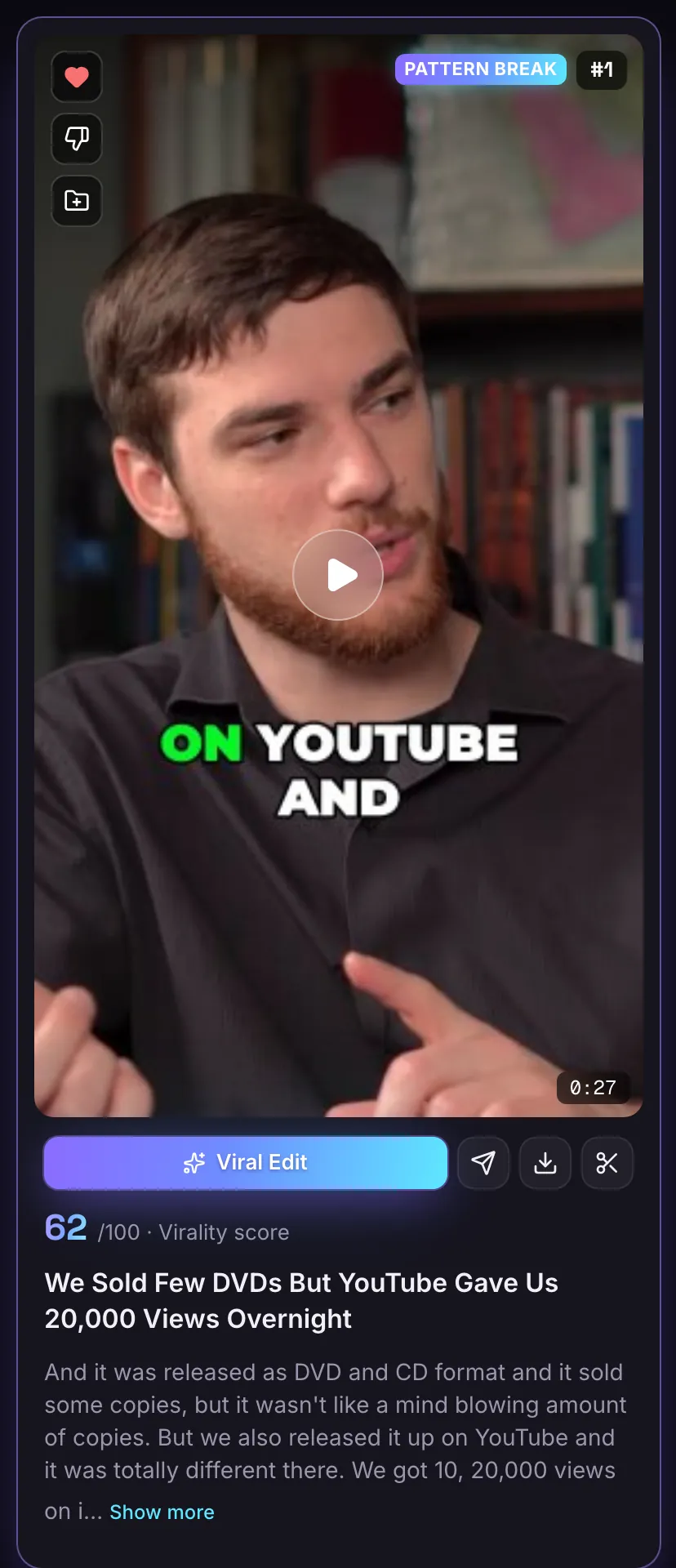
Vertical 9:16 clips, captions on
Clips are 1080 by 1920, the size Shorts uses, with captions burned in and a hook headline on top. Leave length on Auto for clips up to 3 minutes, or pick shorter ranges.
Try it freePost the strongest first
Every clip has a score out of 100 and a title, ranked best first. Open one in the editor to trim it before you upload.
Try it free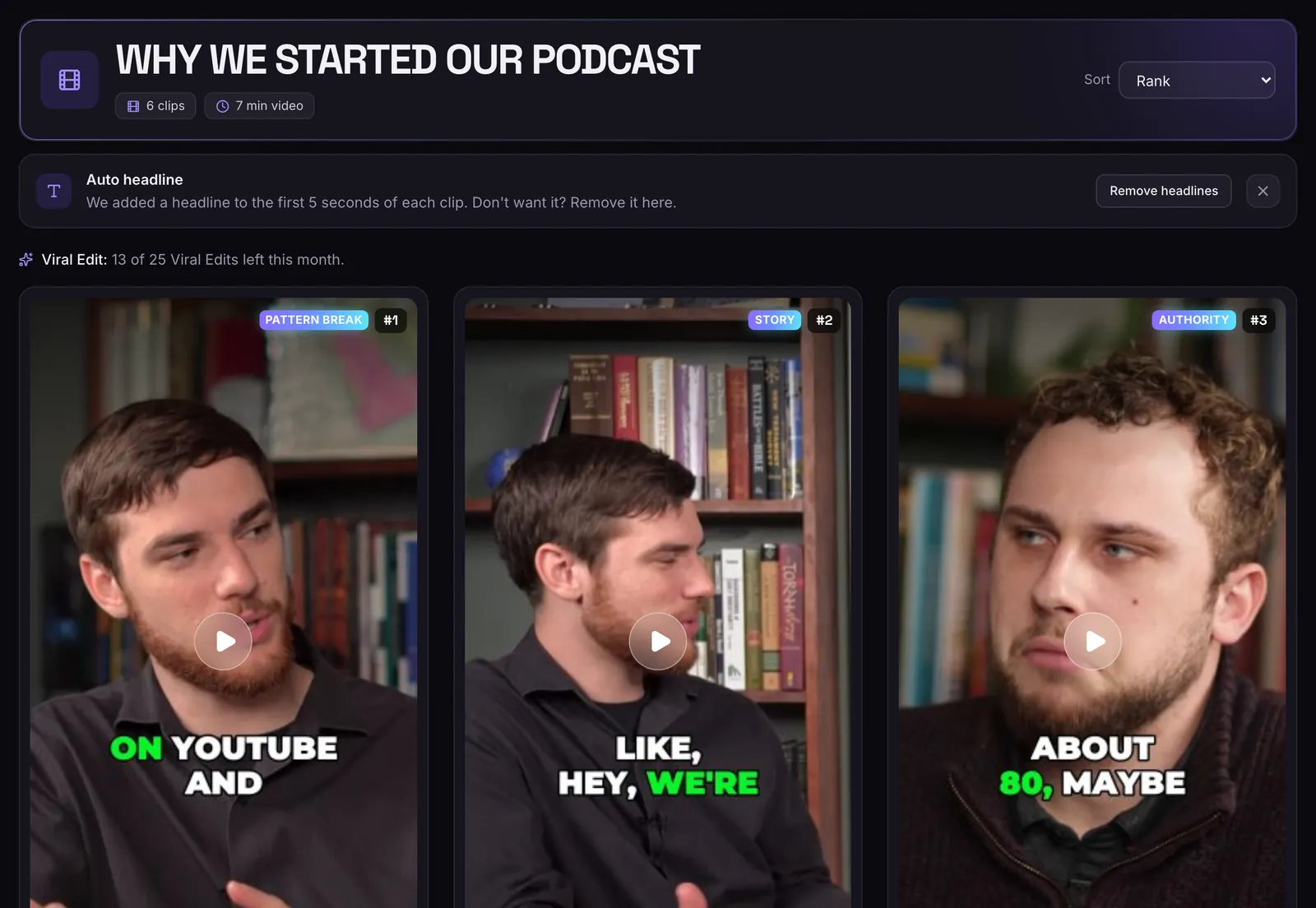
Just the link
No download needed. Paste the address of the video.
Vertical 9:16
Clips are 1080 by 1920, the size Shorts uses.
Speaker in frame
The crop follows whoever is talking, not the middle of the shot.
Price first
You see the video's length and what it costs before anything is spent.
Only clip what you own
Use videos from your own channel, or ones you have permission to use. The same goes for every link you paste.
Questions
Do I need to download the YouTube video first?
No. Paste the link and the video is fetched for you. You can also upload a file instead.
Can I clip only part of a long video?
Yes. Use the time range to pick up to 60 minutes from a video up to 3 hours long. You pay for that part only.
How long does it take?
An uploaded 10 minute video is usually ready in 2 to 10 minutes, and a 60 minute video in 15 to 35 minutes. A link takes a little longer because the video is fetched first.
Is MasterClip free?
Yes. The Free plan gives you 30 minutes of video a month with no card. Free clips carry a small watermark and are deleted after 3 days, so download the ones you want. Paid plans start at $7 a month.
Do I need to own the video?
Yes. Only submit videos you own or have permission to use.
More of what it does
Clips shown were made by MasterClip from Anabaptist Perspectives Ep. 159 (CC BY 3.0) and Mike Herrera Podcast #361 (CC BY). The brand and its logo are made up for the example.
Clip it
like a master
30 free minutes a month. No card needed.