Long videos in.
TikToks out.
MasterClip turns one long video into a stack of vertical clips sized for TikTok, with word-by-word captions people can read with the sound off and the speaker kept in the middle of the frame.
How it works
- 1
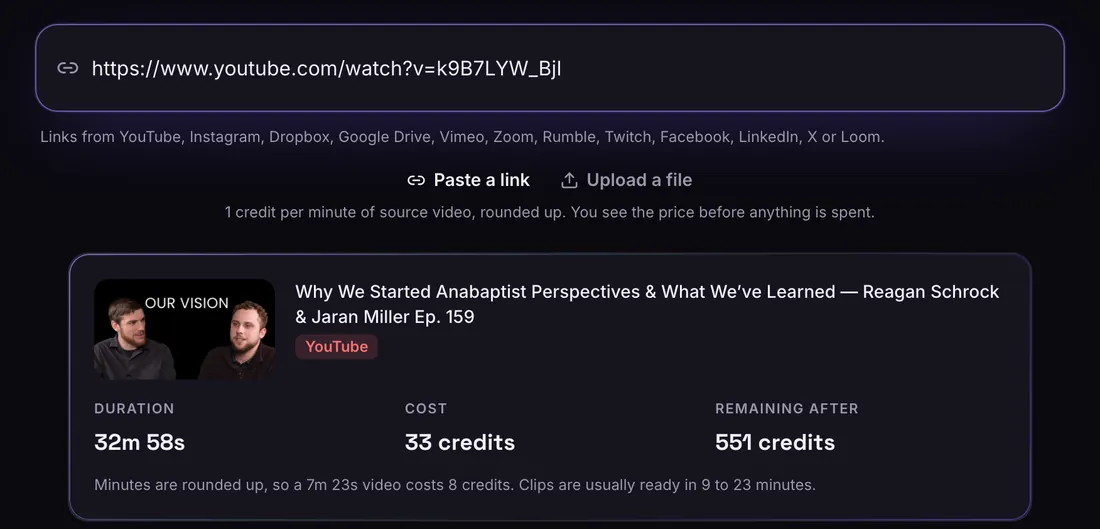
Paste a link or upload
A link from any of 12 sites, or a file. You see the length and the price before anything is spent.
- 2
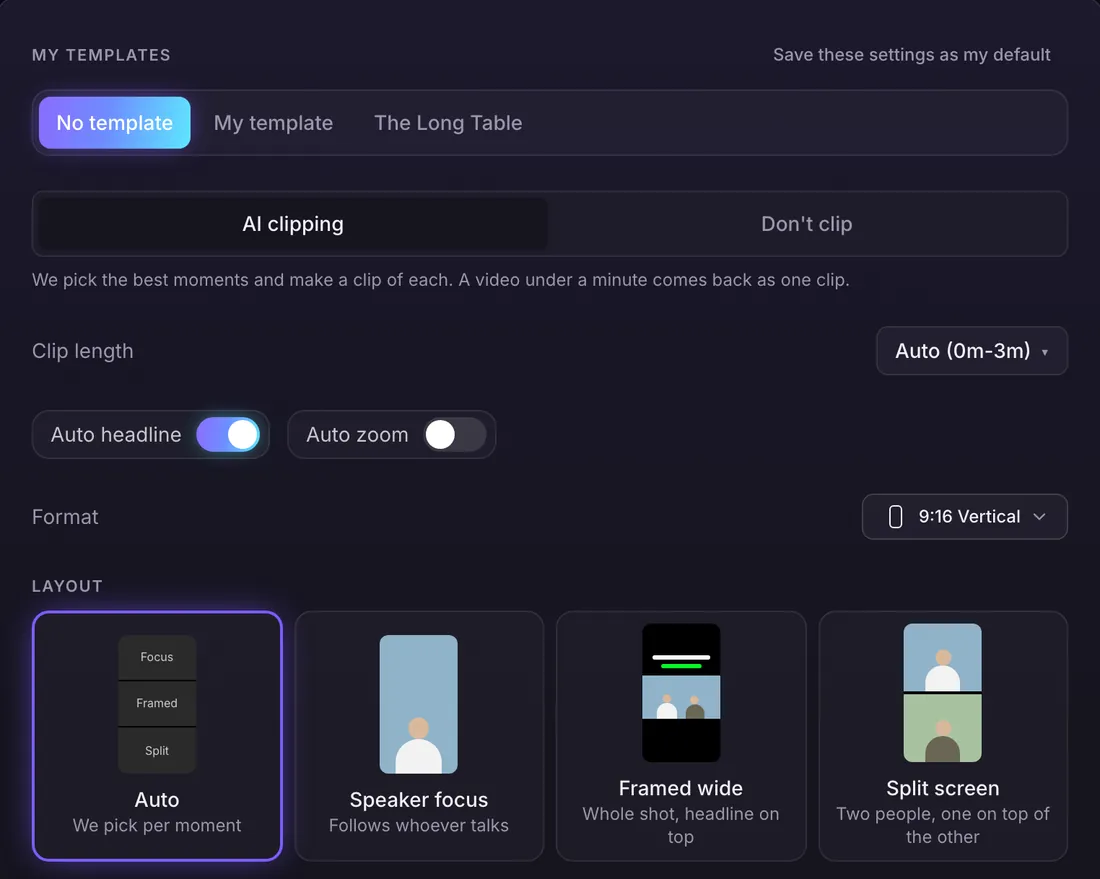
Choose how it looks
Clip length, shape, layout, captions and Auto headline. Or pick a brand template and it fills everything in.
- 3
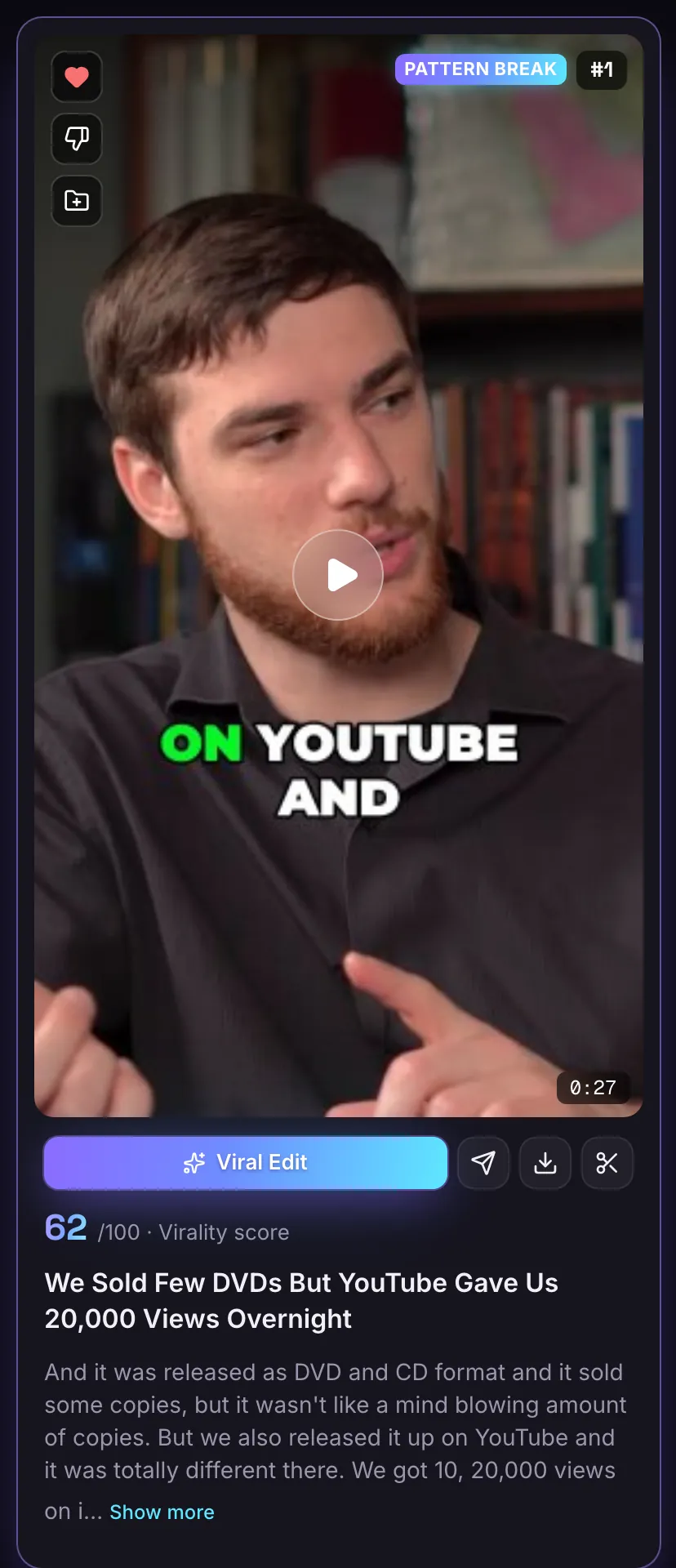
Get ranked clips
Every clip comes back with captions, a title, a hook label and a score out of 100. Download, edit or Viral Edit it.
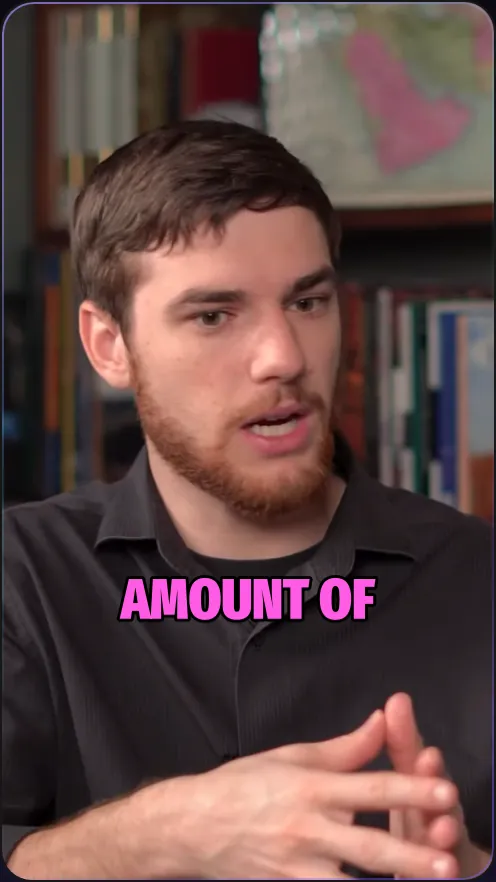
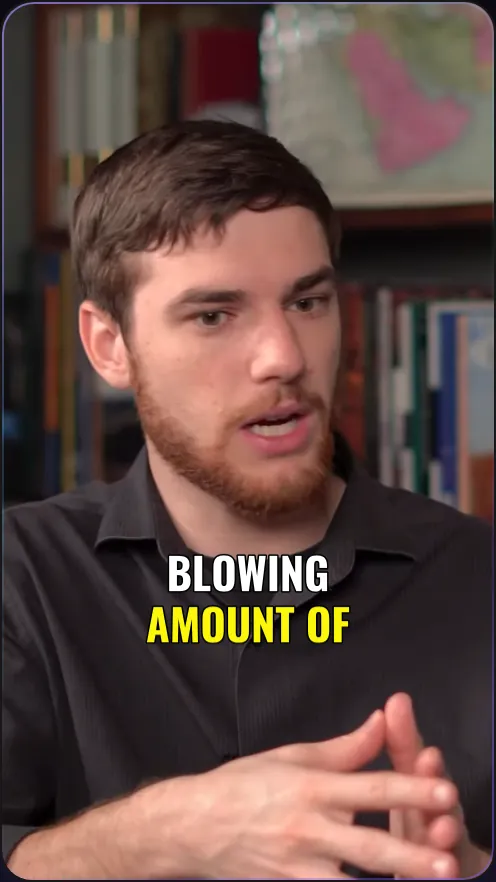
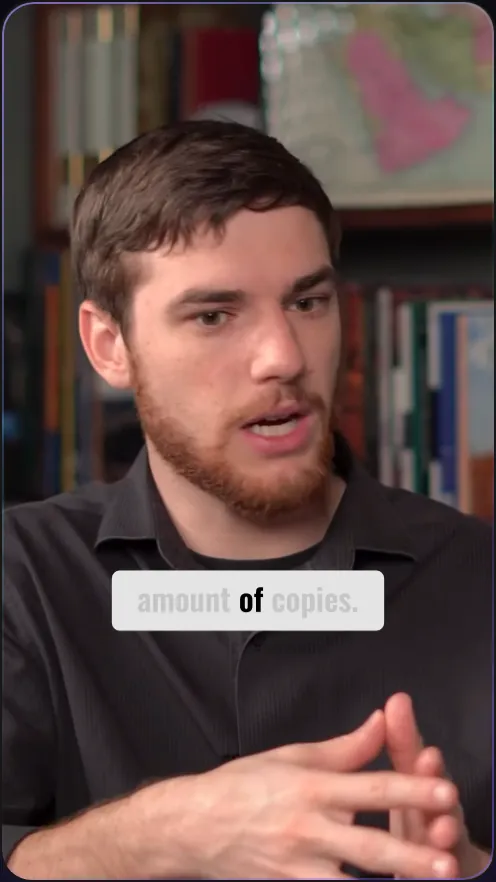
13 caption styles
The same moment in four of them. Some light each word as it is said, some stay out of the way.
Try it free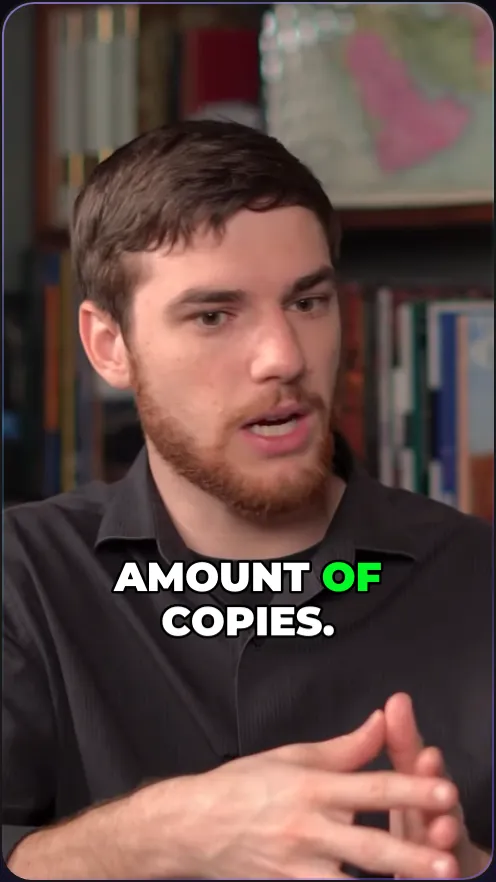
Viral Edit for the extra punch
Turn any vertical clip into an AI edit with zooms, text pops, sound effects and cutaways. 3 free on every account.
Sized for TikTok
Vertical 9:16 at 1080 by 1920, captions burned in.
A hook up top
Auto headline puts a short hook on screen for the first 5 seconds.
Captions that pop
13 styles, some lighting up each word as it is said.
Viral Edit
Zooms, text pops and sound effects in one click. 3 free.
Post more without filming more
One podcast or interview can fill weeks of posting. The AI picks moments that open strong and stand on their own.
Download each clip as an MP4 and upload it to TikTok. The same clips work on Instagram Reels and YouTube Shorts.
Questions
Can it post to TikTok for me?
Not yet. Download the MP4 and upload it in the TikTok app.
Where can my video come from?
A link from YouTube, Instagram, Dropbox, Google Drive, Vimeo, Zoom, Rumble, Twitch, Facebook, LinkedIn, X or Loom, or a file from your computer (.mp4, .mov, .webm, .mkv, up to 5 GB).
How long can my video be?
Up to 60 minutes a video. For a video up to 3 hours long, pick the 60 minutes you want with the time range.
Is MasterClip free?
Yes. The Free plan gives you 30 minutes of video a month with no card. Free clips carry a small watermark and are deleted after 3 days, so download the ones you want. Paid plans start at $7 a month.
More of what it does
Clips shown were made by MasterClip from Anabaptist Perspectives Ep. 159 (CC BY 3.0) and Mike Herrera Podcast #361 (CC BY). The brand and its logo are made up for the example.
Clip it
like a master
30 free minutes a month. No card needed.