Your brand on every clip,
set up once.
A brand template is a saved look. Pick it when you start a video and every clip comes out the same way: your shape, your captions, your logo in the corner, your intro and outro, and music under your voice.
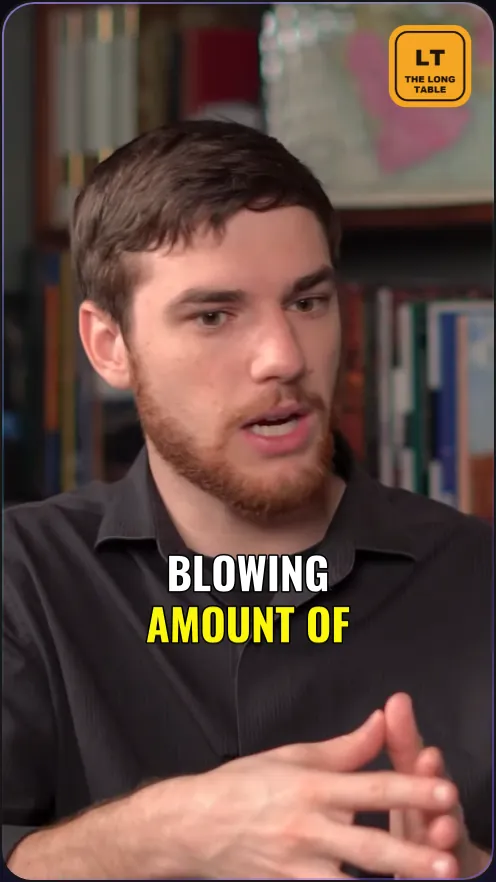
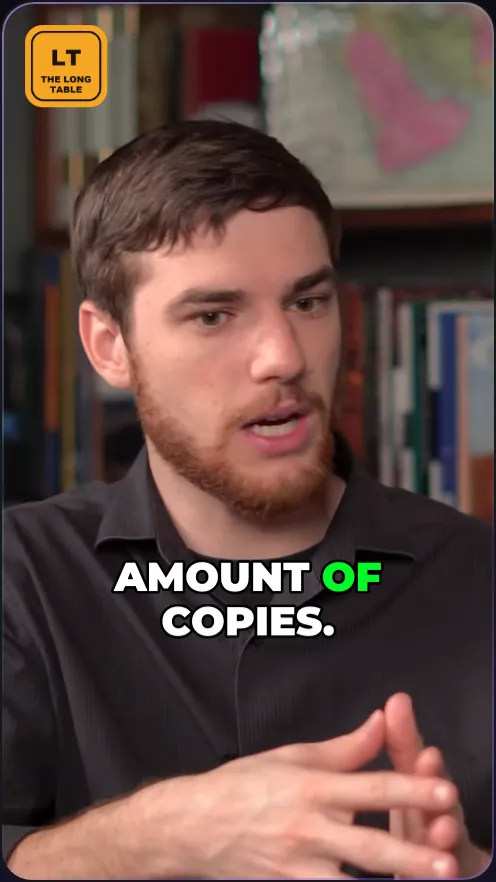
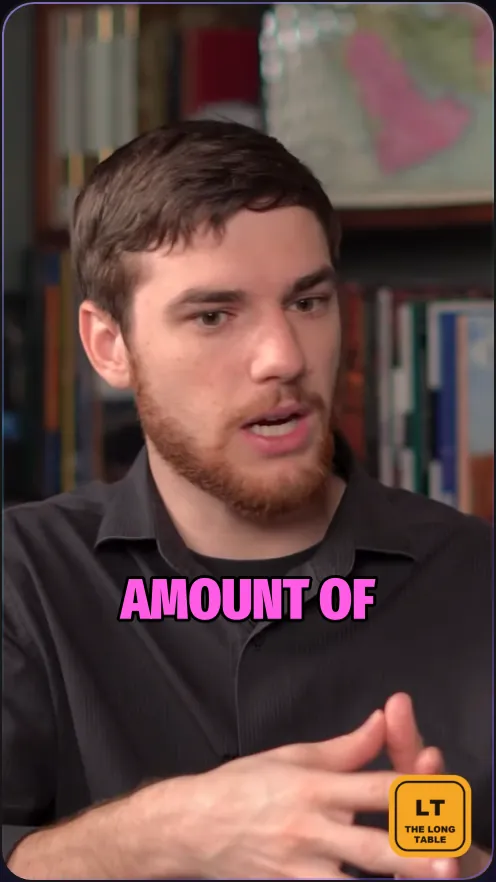
See the look on your own clip while you build it
The template page plays your newest clip with the template on it. Change the caption style, the logo or the layout and the preview changes with it. Save, and set one as your default.
Try it free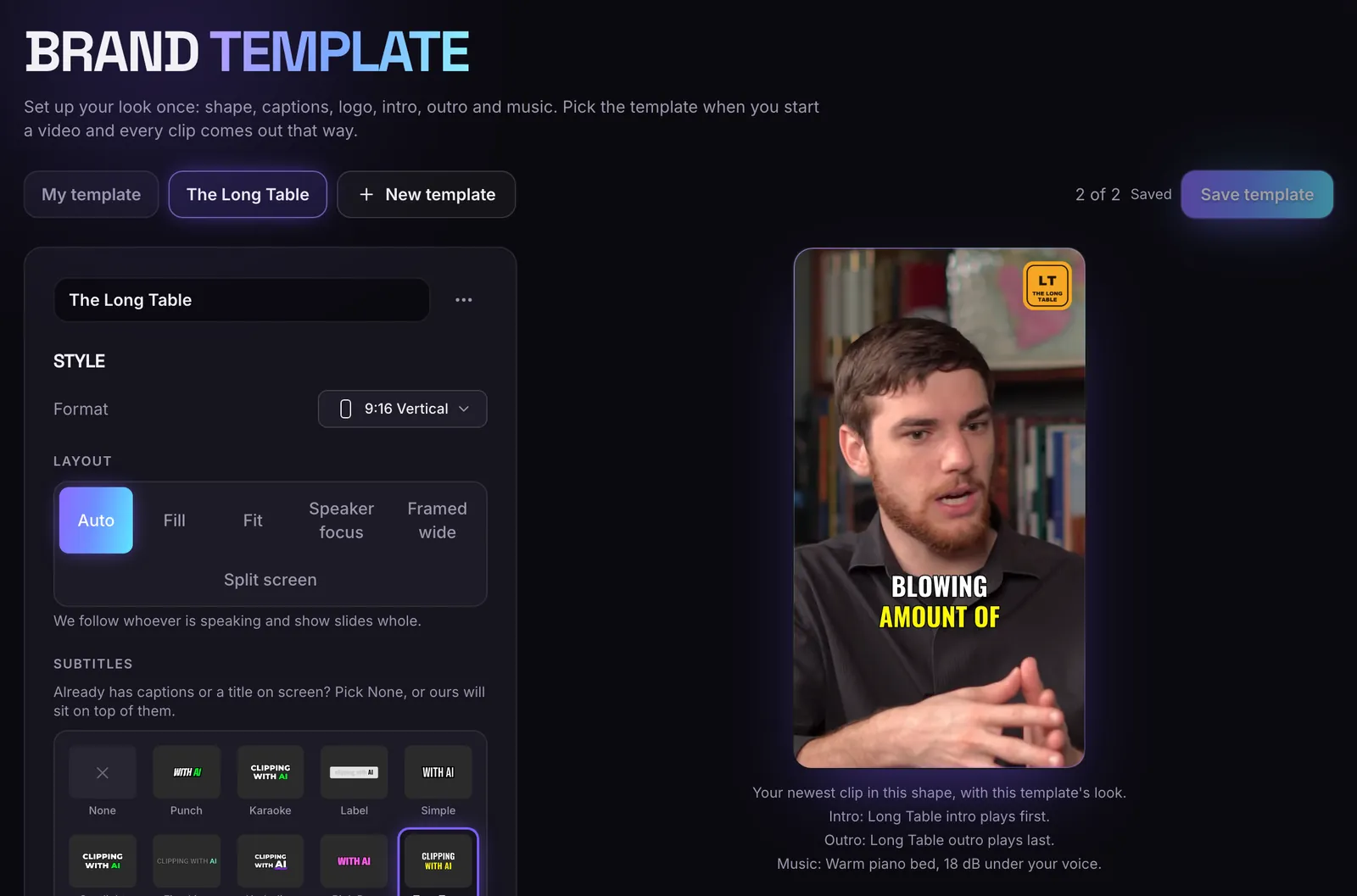
Your logo in any corner
Pick the corner, then the size (5% to 40% of the frame's width), how see-through it is and its distance from the edge. It sits over the video and under the captions.
Try it free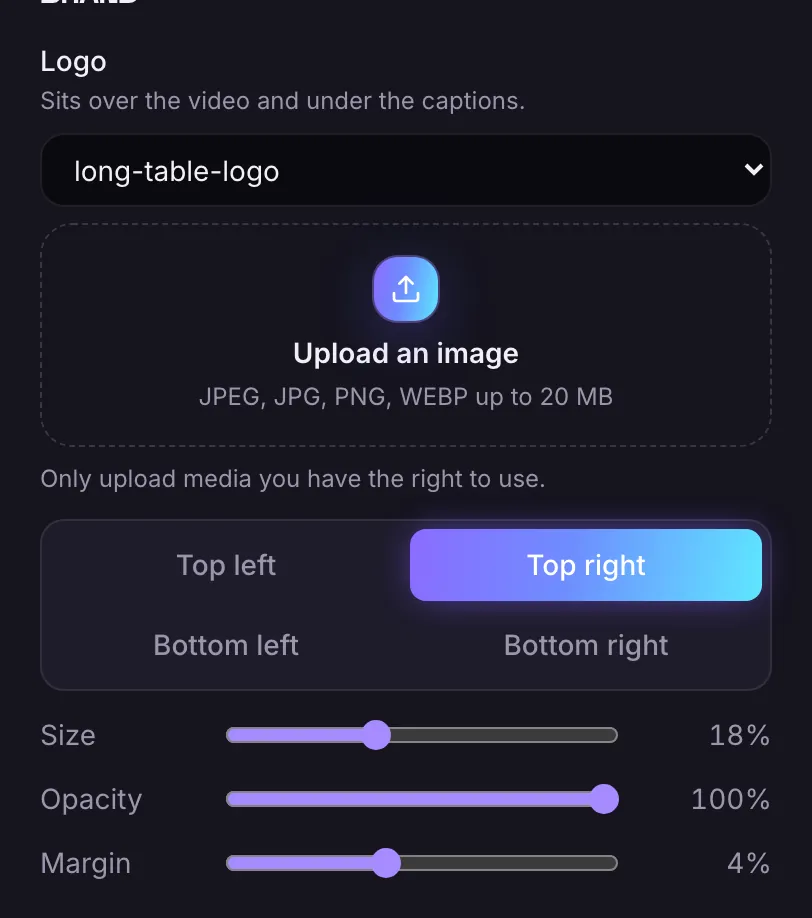
Bookend every clip
An intro before and an outro after each clip, up to 30 seconds each, never stretched. Music plays 18 dB under your voice, loops and fades. Your voice is not changed.
Try it free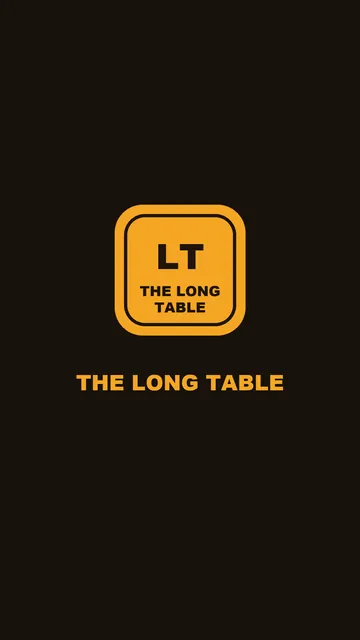
Logo
In any corner, from 5% to 40% of the frame's width, as see-through as you like.
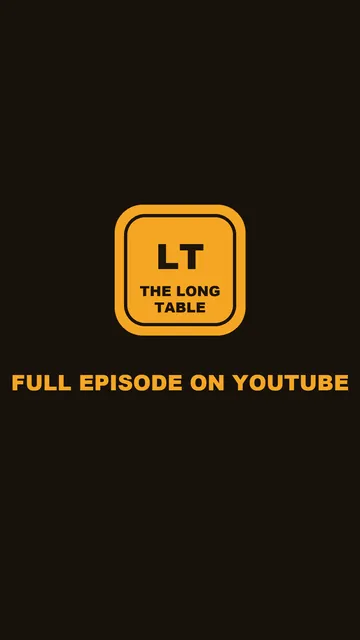
Intro and outro
A video before and after each clip, up to 30 seconds each.
Music under your voice
Starts 18 dB under your voice. Move the level from 6 to 40 dB.
Your style
Shape, layout, caption style and position, Auto headline, Auto zoom and your own headline font.
Who gets templates
Starter keeps 1 template, Pro 2 and Business 2. The Free plan has none. A video keeps the look it was made with, so changing a template later never changes clips you already have.
Questions
Which plans have brand templates?
Starter (1), Pro (2) and Business (2). The Free plan has none.
Does the clip editor keep my logo and music?
Yes. When you save an edit, your logo, intro, outro and music are added again, once each.
Does Viral Edit use my template?
No. Viral Edit does not add your logo, intro, outro or music.
What if my intro is a different shape?
It is shown whole on a blurred background. It is never stretched.
More of what it does
Clips shown were made by MasterClip from Anabaptist Perspectives Ep. 159 (CC BY 3.0) and Mike Herrera Podcast #361 (CC BY). The brand and its logo are made up for the example.
Clip it
like a master
30 free minutes a month. No card needed.