Viral Edit.
An AI editor for your clips.
Viral Edit makes a second version of a clip with the edits short videos are known for: zooms, text pops, sound effects, music and cutaways. The AI reads what is said, picks one of 11 looks that fits, and re-cuts the clip. Your original stays as it is.
Press Viral Edit on any vertical clip
The button sits on every clip card and in the editor. You can leave the page while it works. The edit shows up on the clip card when it is ready, a few minutes later.
Try it free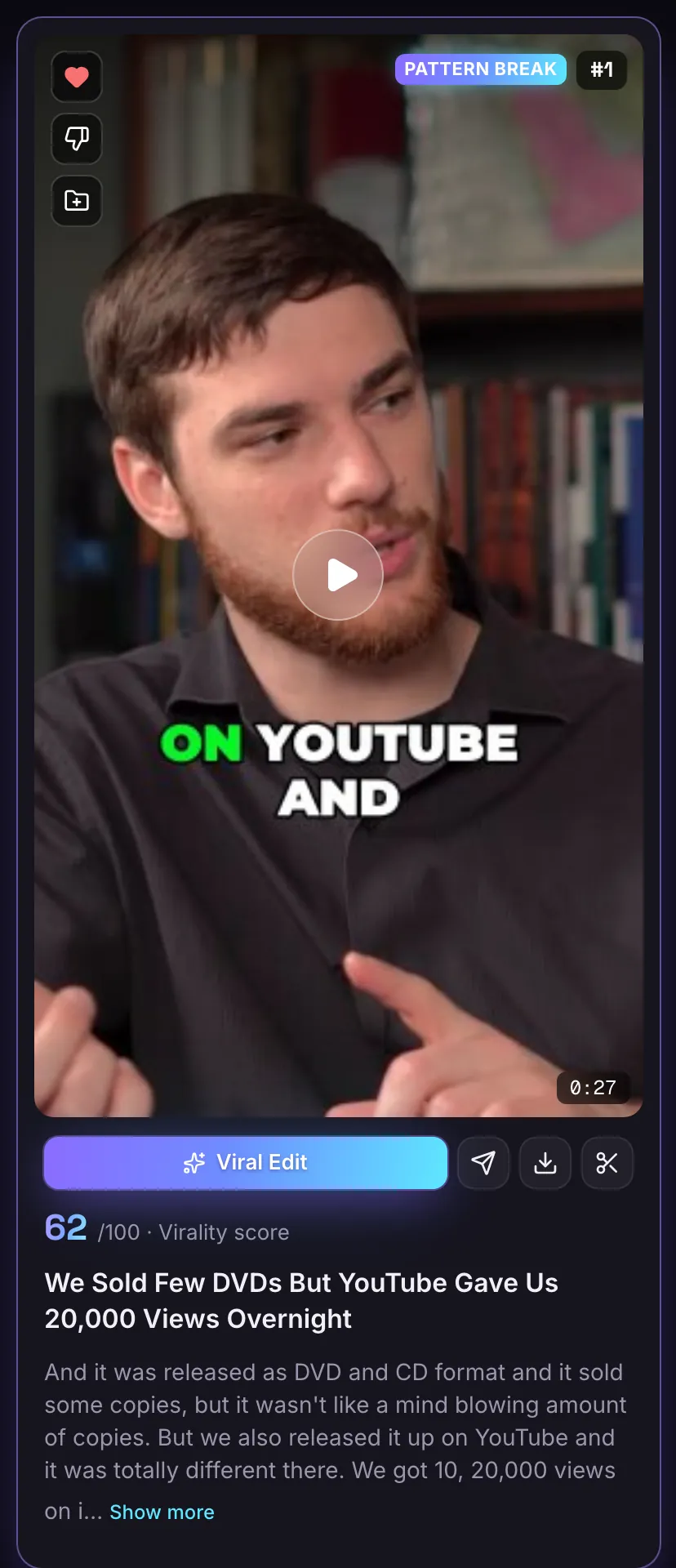
A Viral Edit tab beside every clip
Open a clip in the editor and the Viral Edit tab is on the right, next to Captions. Your original clip stays as it is, so you can post either one.
Try it free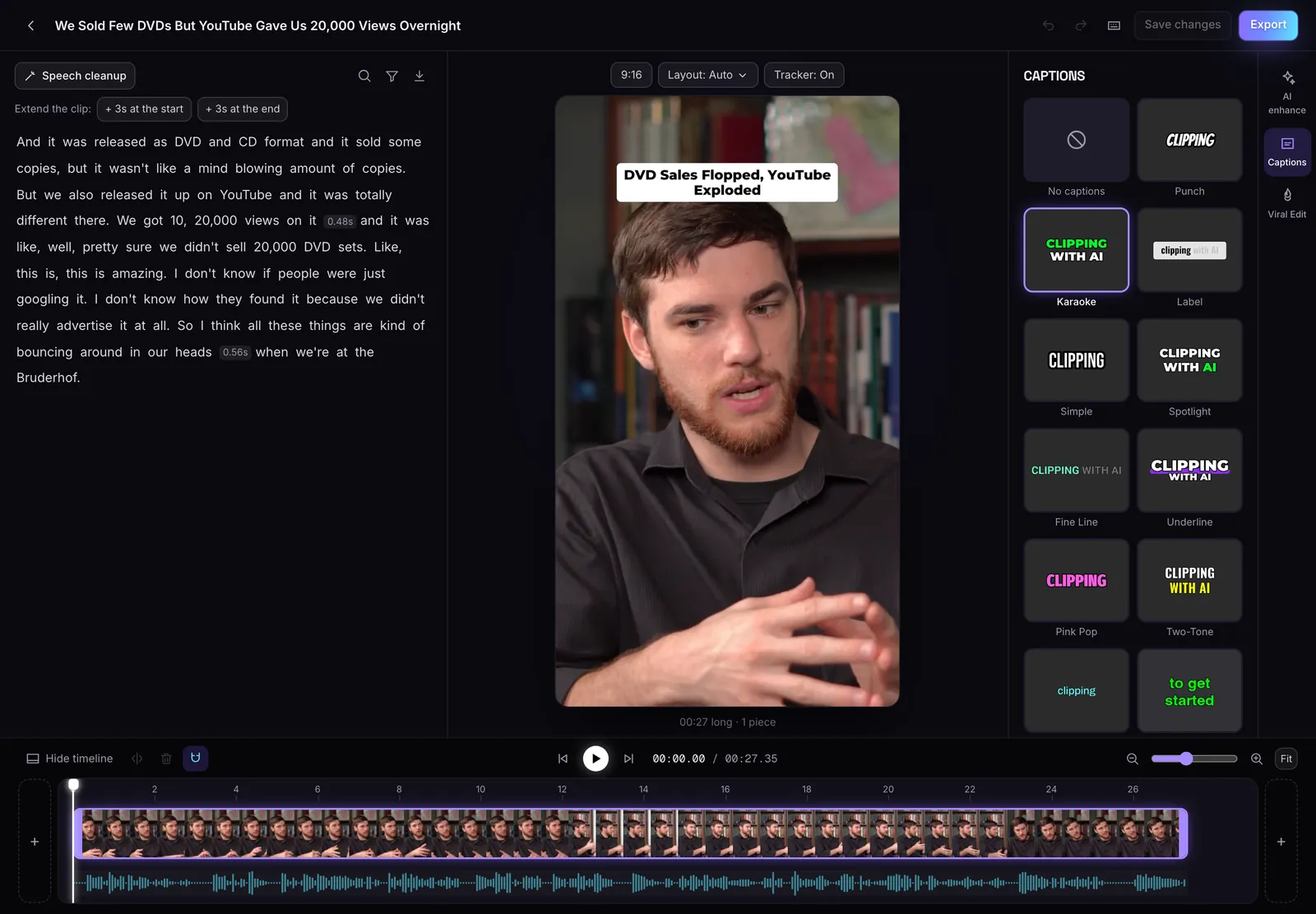
11 looks
From moving charts and text cards to whiteboard drawings, phone screens and a comic book.
Picked for the words
The AI chooses the look from what is said, and puts big captions on the words that matter.
One click
Press Viral Edit on a clip card. You can leave the page. It shows up when it is ready.
No credits
A Viral Edit never uses credits. Every account gets 3 to try.
How many you get
Every account gets 3 free Viral Edits. Starter adds 5 a month, Pro 25 and Business 100. One that fails does not count.
Viral Edit works on vertical clips up to 3 minutes long.
Questions
Does Viral Edit change my original clip?
No. It makes a second version. Your original clip stays as it is.
How long does a Viral Edit take?
A few minutes. You can leave the page, and the edit shows up on the clip card when it is ready.
Which clips can I use it on?
Vertical clips up to 3 minutes long.
Does it cost credits?
No. Viral Edits come from their own allowance: 3 free on every account, plus a monthly number on paid plans.
Is MasterClip free?
Yes. The Free plan gives you 30 minutes of video a month with no card. Free clips carry a small watermark and are deleted after 3 days, so download the ones you want. Paid plans start at $7 a month.
More of what it does
Clips shown were made by MasterClip from Anabaptist Perspectives Ep. 159 (CC BY 3.0) and Mike Herrera Podcast #361 (CC BY). The brand and its logo are made up for the example.
Clip it
like a master
30 free minutes a month. No card needed.